


Download Center
Oroza RO — All Platforms
Select your platform and download the official Oroza RO client. Fast, secure, and uninterrupted installation.


A very lightweight file that will automatically manage the full download process.
How to start playing?
1. Download the Installer
Click the button above to download our Smart Installer. It's very lightweight and will do all the work for you.
2. Run and Choose your Language
Open Instalador_OrozaRO.exe. Select whether you prefer to enjoy the native experience in Spanish or English.
3. Accept the Protection
If it asks for a Windows Defender exclusion, say YES. This prevents antiviruses from mistakenly blocking our Gepard Shield system.
4. Let the magic happen
The installer will automatically download the 14 GB client. Did your internet disconnect? Don't worry! Close and reopen it; it will resume the download exactly where it left off.
5. Configure your Resolution!
(Mandatory) "Resolution Setup" (Setup.exe) will open. You must choose your resolution and click Accept before playing, otherwise the game won't start.
6. Update and Play
The Oroza RO Patcher will open. Let it download the latest patches for April 25th, press Play and welcome to Oroza!
Full Client in ZIP
Use this version if the Smart Installer feels slow or if you prefer to download the full client in a single file.
Although it may take a little longer, it is the safest option to avoid DLL errors, missing dependencies, Windows Defender blocks, and issues with Gepard Shield.
ZIP Version
Download the full client, extract the folder, open the updater, and play.
- Useful if you have already played Ragnarok Online on this PC.
- Does not install dependencies automatically.
- Does not configure Windows Defender exclusions.
- Recommended for users with previous RO experience.
Smart Installer
The option recommended by Oroza RO for a safer installation with fewer errors.
- Helps prevent DLL errors.
- Prepares the required dependencies.
- Reduces issues with Windows Defender.
- Ideal for new players or clean installations.
Crash, white screen, or the game does not open?
If you use the ZIP version and experience this issue, install all the VCRedist files included in the following package.
Download VCRedist PackageOroza RO for Android
Play from your phone
Take the Oroza RO experience wherever you go. The APK weighs only ~4 MB, but the full client will be downloaded automatically within the app (~15 GB). Make sure you have enough storage and a stable Wi-Fi connection.
Download APK v623APK ~4 MB · Full client ~15 GB · Requires Wi-Fi for internal download
Minimum Requirements
- Android 5.0 or higher
- 4 GB of RAM
- 16 GB of free storage
- Stable Wi-Fi connection
- Physical Android device
Recommended
- Android 10 or higher
- 6 GB of RAM or more
- 20 GB of free storage
- Stable Wi-Fi connection
- Mid-range processor or better
🌫️ Gray World (Mundo Gris)
Gray World is a modified version of the Oroza RO client that reduces graphical elements to improve performance and provide a cleaner visual experience.
It removes or reduces textures, models, and visual effects, achieving greater fluidity on lower-performance computers. In addition, it adjusts the visual size of some MvP, making them easier to identify.
How to install Gray World
- 1. Download your preferred Gray World version from the links below.
- 2. Copy the
.zipfile into your client folder (Oroza RO - Español or Oroza RO - English). - 3. Extract the contents directly into that folder.
- 4. If Windows asks if you want to replace existing files, select Accept / Replace.
- 5. Open the game normally and enjoy your chosen version.
How to uninstall Gray World
To revert to the normal client version, download the uninstallation file, extract it into your Oroza RO folder, and replace the files.
Download UninstallerNeed additional help?


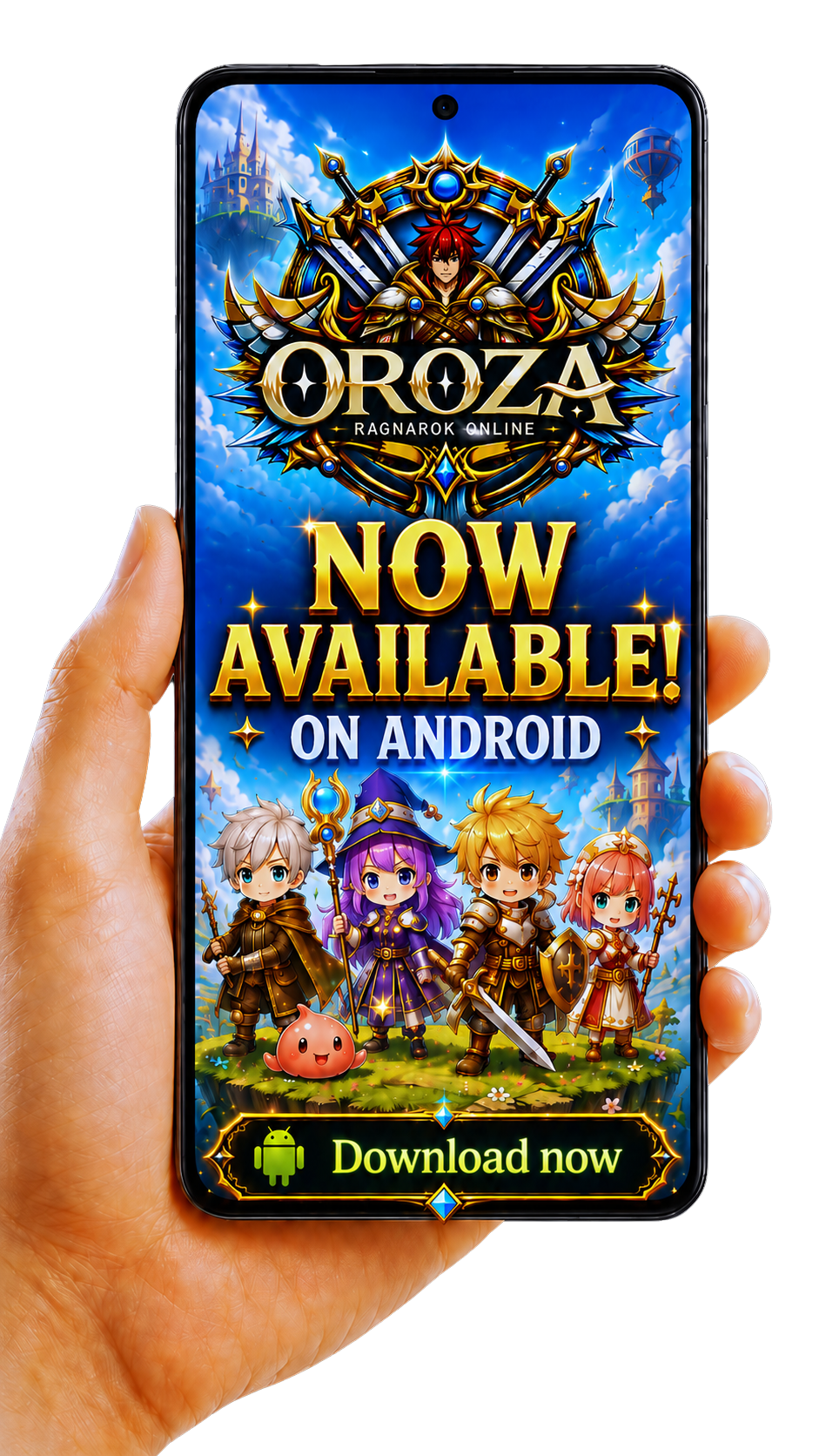
Play from your phone. Download the APK and join the adventure from anywhere.
Download for Android